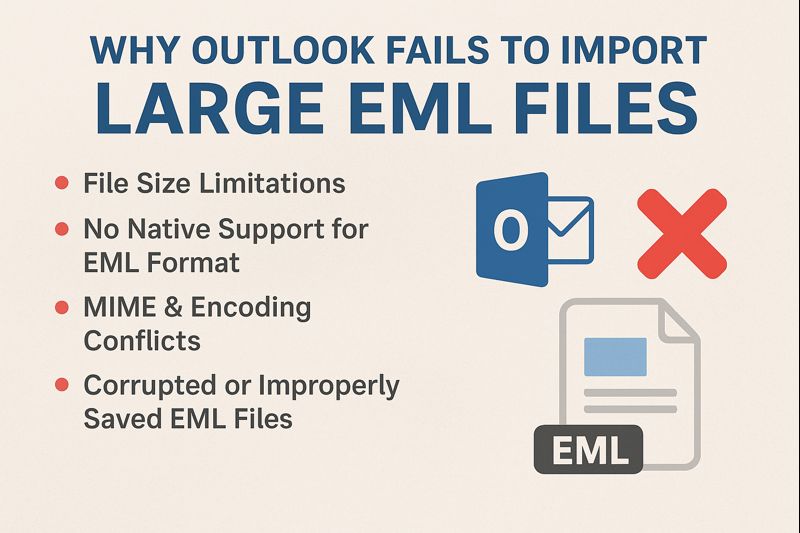
Today, many users are using EML files as they are derived from various email services. Users often need to import these EML files into MS Outlook, and it mostly fails due to size issues. If you are looking why Outlook not importing large EML files, then you will get to know the reasons and ways to solve this issue in this informative blog. So, let’s begin!
Does Outlook Support EML Files Import?
No, official Outlook does not have any direct way or option to import EML files because Outlook supports PST, OST, CSV, MSG, ICS, and VCF formats only. You can drag & drop your EML files, but it works only for a small batch of files because Outlook has the ability to read the message structure.
But Outlook is not actually designed to handle large EML files directly, so the format that it doesn’t support, due to which users face a lot of issues.
How to Fix the Outlook Not Importing Large EML Files Issue? Quick Answer
There are two ways to import your EML files into Outlook: either you can use the manual drag & drop method or a dedicated RecoveryTools EML to PST converter. Whereas the manual way is risky and time-consuming, and automated way is secure and accurate. Let’s learn both ways briefly in the blog.
Manual Methods for Converting Large EMLs
The drag & drop way only works if you have an Outlook subscription and just have a few small EML files to transfer.
1. Open the Local Folder on one side and the Outlook application on the other.
2. Then, start dragging and dropping the EML files into your desired folder, from where you will be able to just view the EML files.
Note: This way, you can just view your EMLs in Outlook; to import, you will have to save those EML files as a PST file.
Major Limitations of the Manual Way
- Not suitable for large EML files, as it may fail to load large files with attachments.
- The EMLs may crash and may cause the Outlook not importing large EML files issue.
- Major chance that attachments, headers, metadata, and other important details may get lost.
- You cannot bulk import the EML files directly into Outlook. And it may disturb your original data file and structure.
- The formatting breaks easily, and it is not a safer option for sensitive EML files.
Best Way to Import EML Emails Into Outlook
The best alternative to solve the why Outlook not importing large EML files issue is by using the dedicated automated EML to PST converter, which makes it easier for users to import large EMLs. It is a reliable and safe solution that can transfer your large EML files in bulk without any size restrictions or errors. In just a few clicks, the files will be transferred with all the data files, attachments, same hierarchy and structure. Let’s see how to use the tool:
1. Download the software on your device.
2. Click or select the files or folders option to choose EMLs in bulk.
3. Then, it will display the files, and you can select or deselect as per your requirements.
4. Now, choose the files option as PST, select your destination path, and file naming options.
5. You can also try out the advanced settings, where you will get multiple options like date range, from, to, subject, etc.
6. Lastly, click convert, and you are done.
Main Features of the Professional Tool
- If you are struggling why Outlook not importing large EML files, then you can use this solution a sit allows you to convert in bulk without size issues.
- You can import large EML files in large batches without losing any data elements.
- It completely preserves the attachments, metadata, links, content, etc.
- The original folder hierarchy and structure of the files are not disturbed.
- It has a feature of automatic sync where you just select one main folder, and it only syncs the EML folders, sub-folders, and files from that scattered folder automatically.
- You can also directly import your EMLs into Outlook using this tool without any data loss or crashing. And you do not need any email client to process this.
- It is compatible with both Mac and Windows operating systems.
What to Choose? Final Thoughts
As we can see that Outlook does not directly support the EML format and does not import it, due to which users face a lot of problems. In this blog, we learned why Outlook not importing large EML files and ways to fix it. If you have small EML file,s you can simply use the drag & drop way, and if you have large, sensitive EML email,s you should choose the professional tool for security and accuracy.